What you need to connect WhatsApp to EatNow with Coexistence — and a plain-language guide to the Meta terms you’ll see along the way.
We recommend connecting WhatsApp with Coexistence: you keep using your number in the WhatsApp Business app on your phone, and EatNow connects to it in parallel. You keep chatting from the app as usual — EatNow just sends notifications and (if enabled) lets the AI agent reply, all in sync.Take two minutes to check the points below before you start — it makes the connection go smoothly the first time.
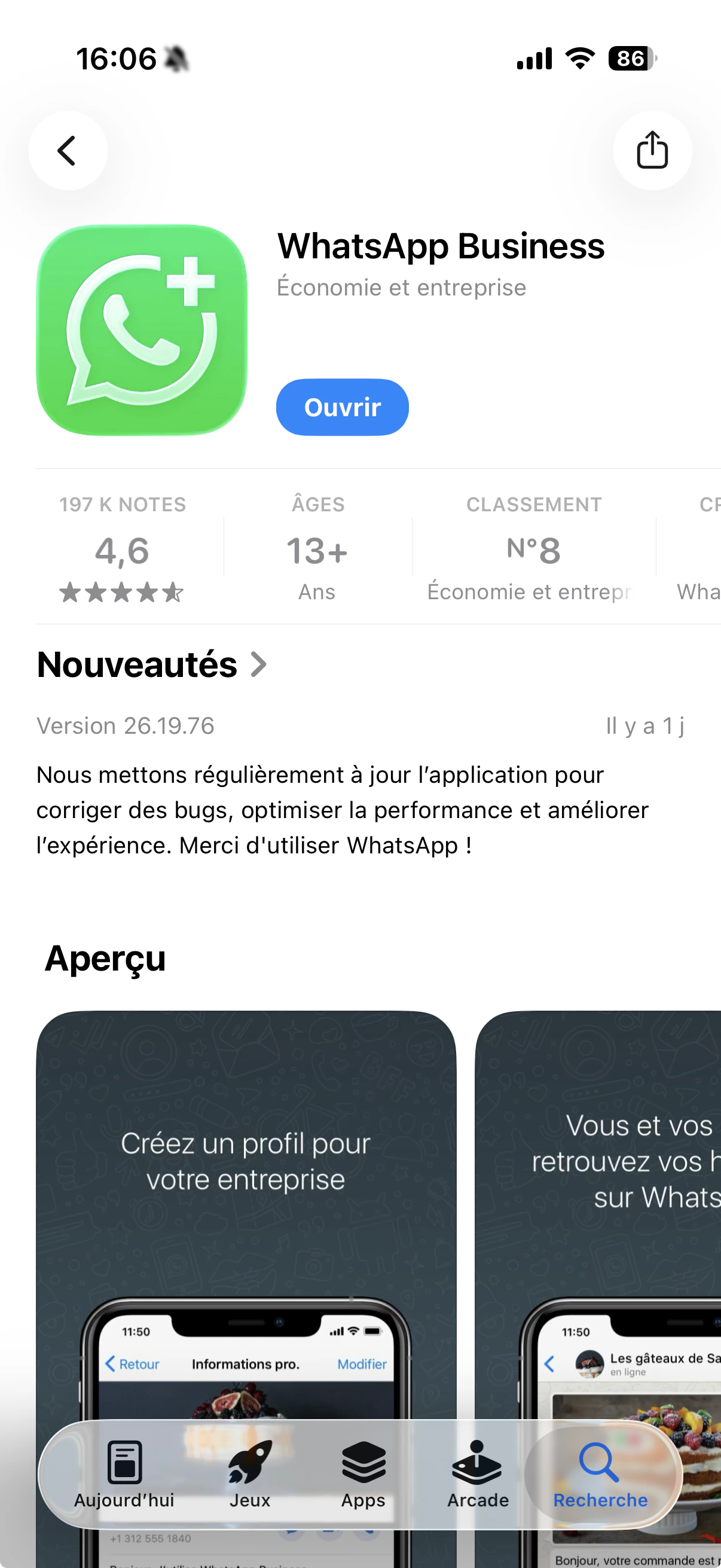
The WhatsApp Business app (not the regular WhatsApp)
Coexistence only works with the WhatsApp Business app — the green icon with a “B”. The regular WhatsApp (used for personal chats) won’t work.
WhatsApp Business (left) vs the regular WhatsApp (right).
2
The app must be up to date
Update the WhatsApp Business app from your phone’s app store before starting.
Update WhatsApp Business from the store.
3
The number active for at least 7 days
The number must have been active on the WhatsApp Business app for at least 7 days. Brand-new numbers can’t use Coexistence yet.
4
A phone with a camera
The connection ends by scanning a QR code with your phone, so you’ll need a phone with a working camera.
5
A Facebook account that manages your business
You’ll log in with the Facebook account that manages (or will manage) your business on Meta. If you’re not sure which one, ask whoever set up your Facebook/Instagram business page.
Meta’s screens use a few words that can be confusing. Here’s what they mean:
Facebook account
Your personal Facebook login. It’s the key that lets you manage your business on Meta — it doesn’t mean your customers will see your personal profile.
Business portfolio (Business Manager)
The “folder” that holds your business on Meta: your pages, your WhatsApp account, your billing. You may already have one; if not, you can create it during the setup.
WhatsApp Business account (WABA)
The account, inside your business portfolio, that holds your WhatsApp number and message templates. EatNow connects to this.
Display name
The name your customers see at the top of the chat (e.g. your restaurant’s name). Meta reviews it — use your real establishment name with correct spelling.
Business verification
A one-time check by Meta confirming your business is real. It’s not required to start, but unlocks higher messaging limits later.
Payment method
A card registered with Meta. Needed only to send automatic messages (confirmations, reminders…), which Meta bills per message. Chatting and replying within 24 hours are free.
Coexistence isn’t available everywhere yet — it depends on your country and how your number is used. If Meta tells you your number isn’t eligible, no problem: you can still connect by creating a new number instead (Option B).