
Where to find it
In the left sidebar of your dashboard, open Digital menus.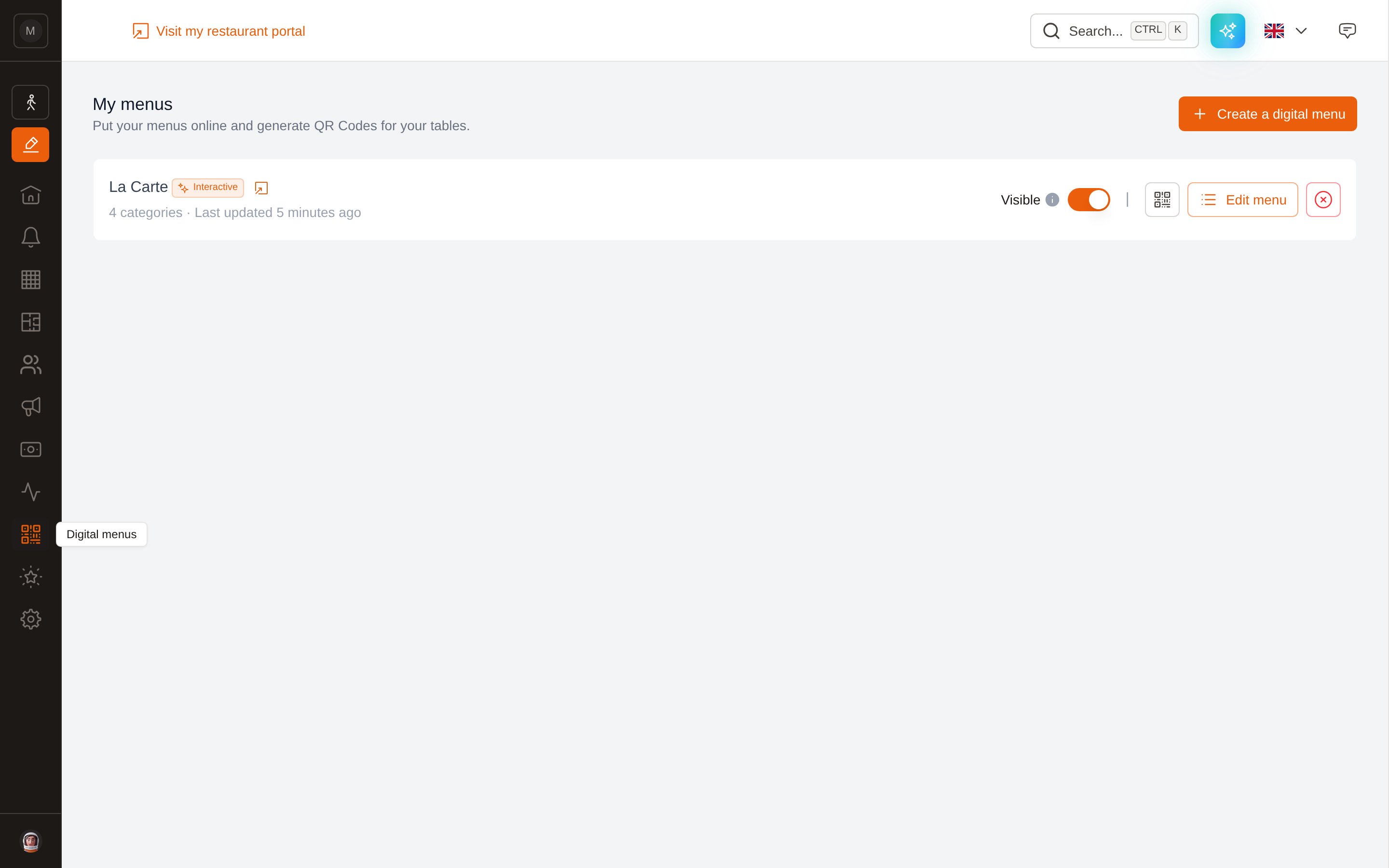
Digital menus, in the dashboard sidebar.
The two types of menu
When you create a menu, you choose its type. This choice is permanent — see Can I convert a PDF menu into an interactive one?The menus list
Each menu is one row, with everything you need on it.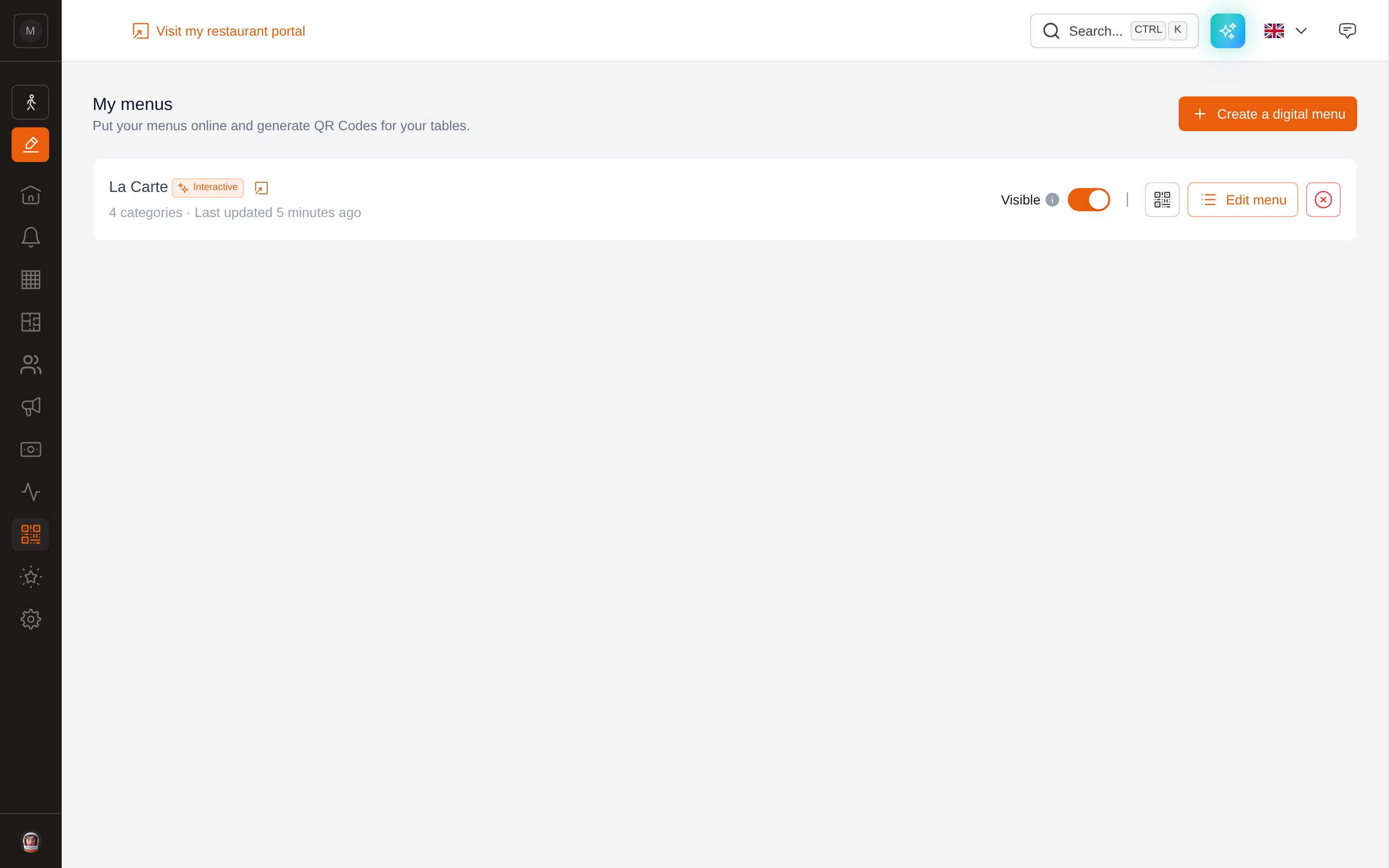
One row per menu: visibility, QR code, editor and delete.
Managing menus requires the Manage menus (QR Code) permission. Owners, Managers and Marketing managers have it by default. See Permissions.
Next steps
Create a menu
PDF or interactive, and how the AI import from a PDF works.
Build & publish
Categories, dishes, allergens, translations and the publish switch.
QR codes & sharing
Print a QR code, share the link, and see what your guests see.
FAQ
My menu is not showing, the import failed, who can edit…