
Activate WhatsApp automatic notifications
1
Open notification settings
In EatNow, go to Settings → Notifications → General.
2
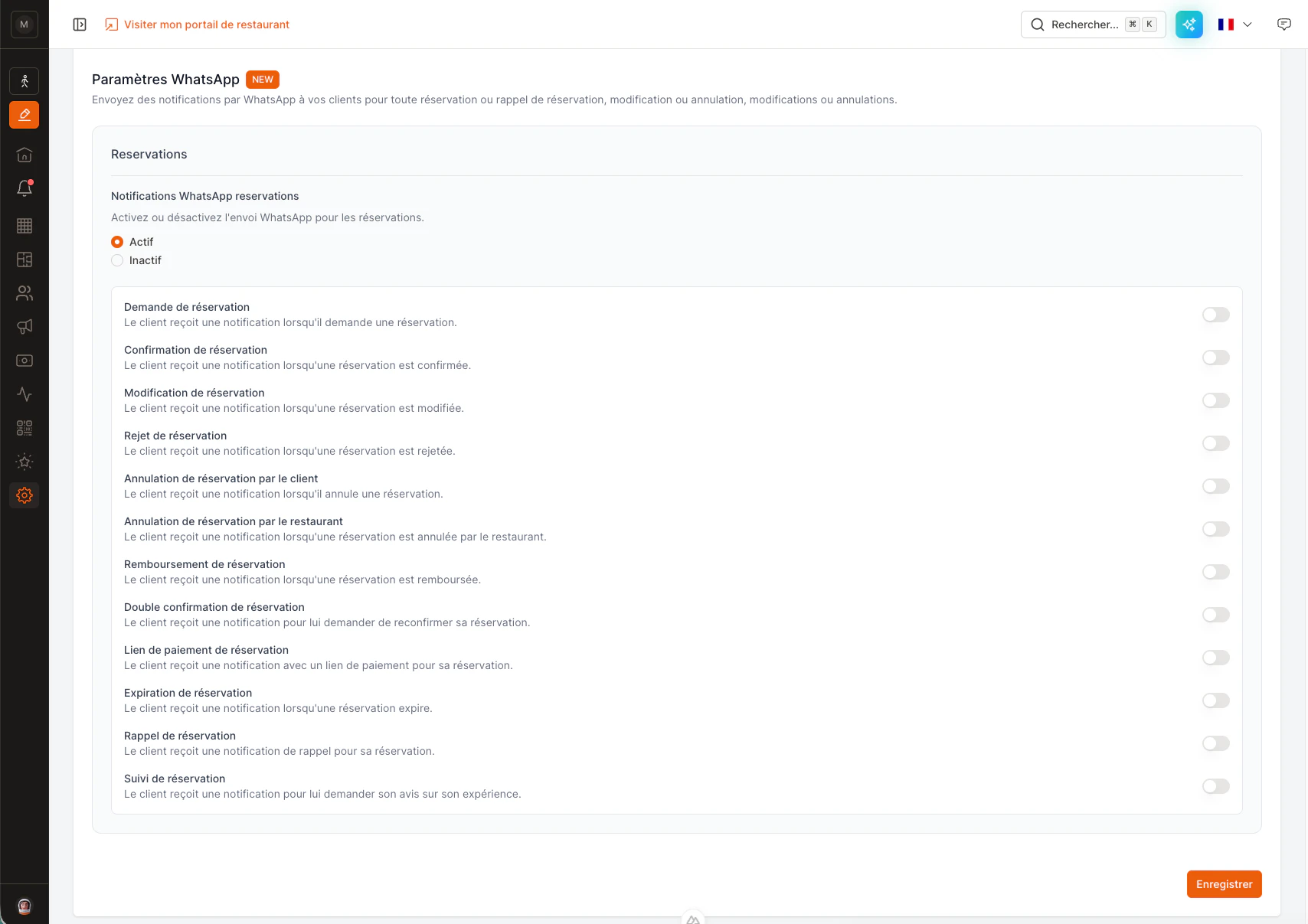
Find “WhatsApp settings”
At the bottom of the page, open the WhatsApp settings section.
3
Enable WhatsApp notifications
Turn them on — advanced mode opens so you can pick exactly which notifications go out. Sending fewer types helps keep costs down.
4
Save
Click Save. Your customers will now receive the chosen notifications on WhatsApp.
Automatic messages only go out once your setup is complete — see Verify your business (an approved display name and a payment method on file with Meta). Until then, you can still chat and reply from the inbox.