Connect WhatsApp, teach your agent about your restaurant, and switch it on safely in shadow mode — all in about ten minutes.
Getting your AI agent live takes three steps: connect WhatsApp, teach it about your restaurant, then switch it on — starting safely in shadow mode so you approve every reply at first.
1
Connect WhatsApp
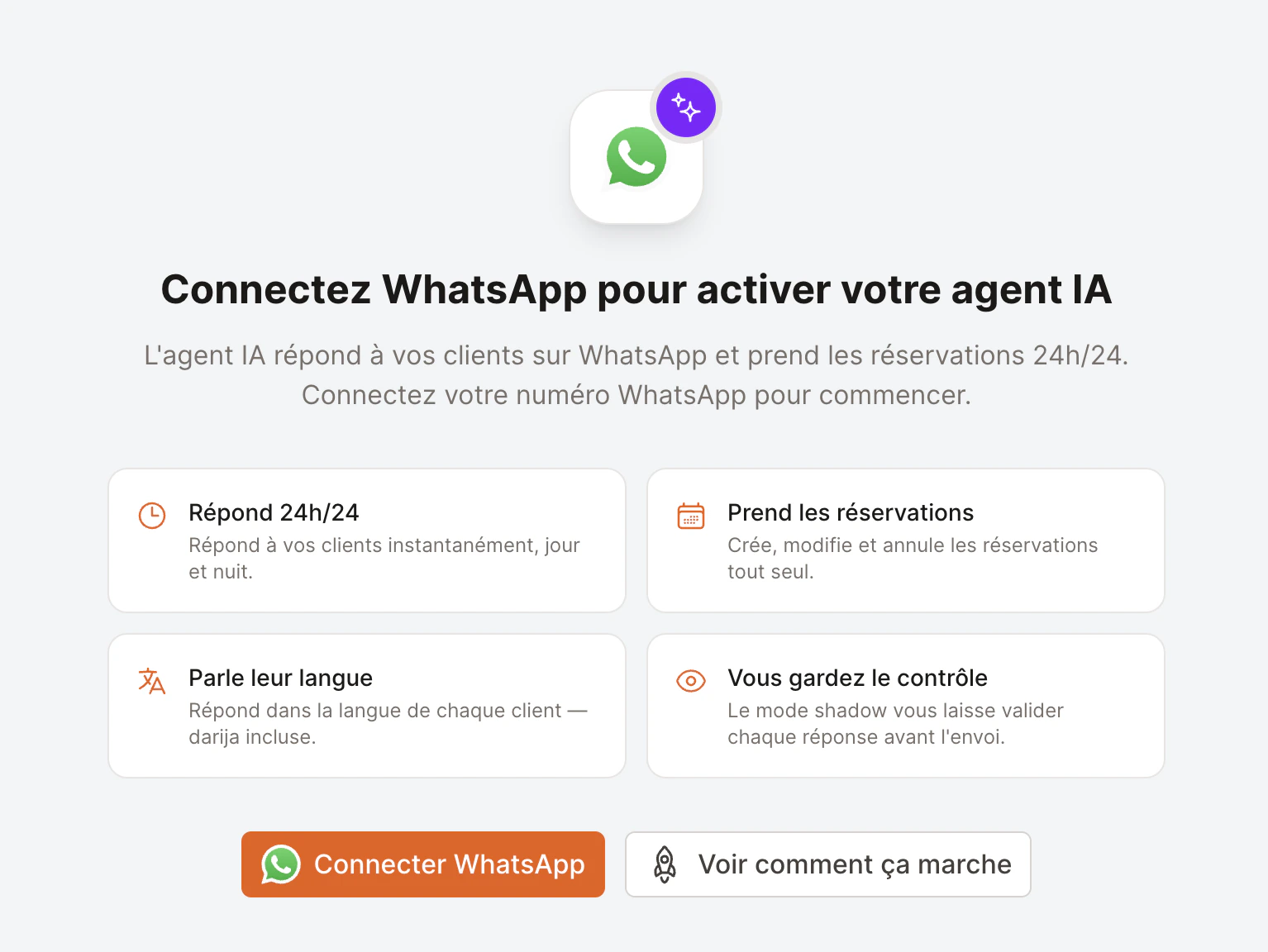
The agent answers customers on WhatsApp, so you need a connected WhatsApp number first.If you haven’t connected one yet, open Settings → AI Agent and you’ll see an invitation to connect it. Click Connect WhatsApp to begin.
Before WhatsApp is connected, the AI Agent page invites you to set it up.
Already messaging customers on a WhatsApp Business number? You can keep it. Follow the Connect WhatsApp Business guide — we recommend the Coexistence option so you keep your existing number.
2
Teach your agent
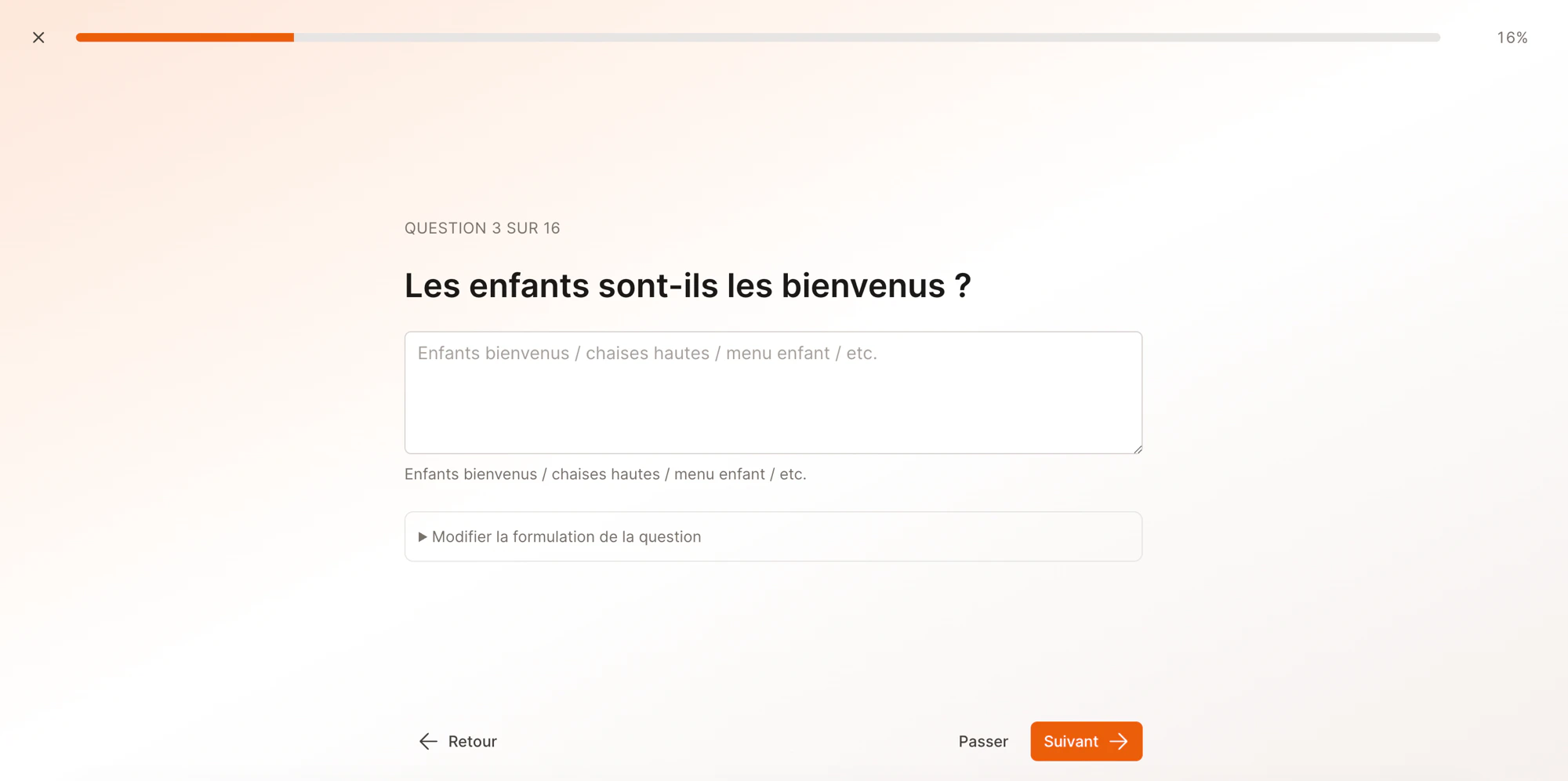
EatNow already knows your opening hours, party-size limits, deposit policy and contact details — the agent uses them automatically. What’s left are the things only you can answer: parking, dress code, terrace, dietary options, and so on.From the AI Agent page, click Run onboarding. A short guided questionnaire walks you through ~16 common topics, one question at a time. Answer what’s relevant, skip anything that doesn’t apply, and add your own questions at the end.
The onboarding wizard — one question per screen, everything is skippable.
It takes about two minutes. Everything you enter lands in your knowledge base, where you can edit or add to it any time.
3
Switch it on — in shadow mode
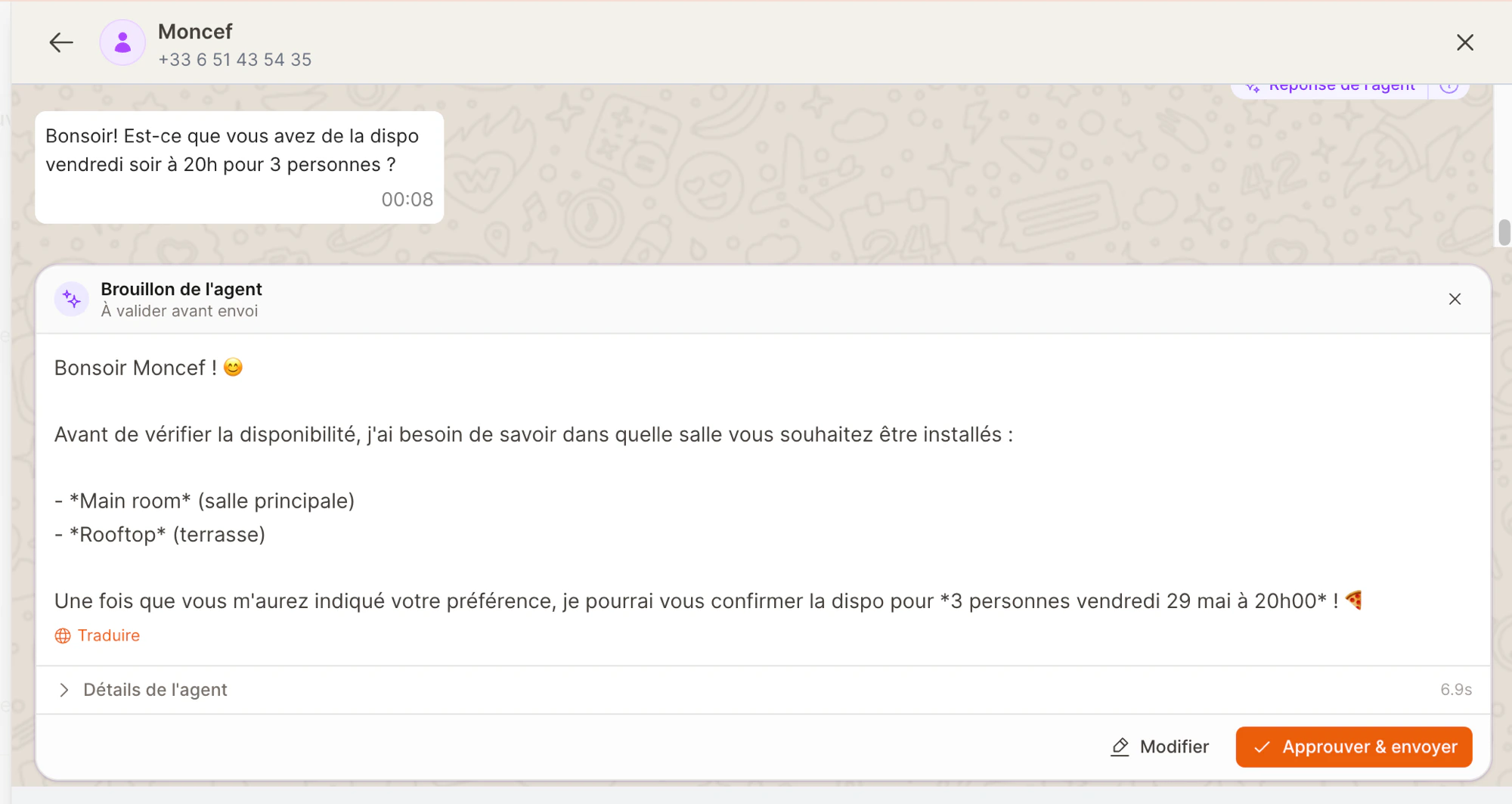
Open Settings → AI Agent and turn on Agent enabled.Leave Shadow mode on (it’s on by default). In shadow mode the agent doesn’t message customers directly — it drafts a reply and waits for you to approve, edit, or reject it from your inbox. It’s the safest way to start: you see exactly how the agent behaves on real conversations before letting it reply on its own.
In shadow mode, each agent reply is a draft you approve, edit, or reject.
Stay in shadow mode for the first couple of weeks. Once you trust the replies, turn shadow mode off and the agent will send directly — you can still take over any conversation at any moment.